01 / ACTIVE DETERRENCE
Make your boundary clear.
- Perimeter cameras and compatible recording
- Warning illumination and supported strobes
- Wall-mounted speaker / approved messages
- Schedules, notifications and commissioning

Protect your people and property. Preserve your profits.
Camera detection, warning lights and talk-down at the outer intrusion boundary—designed to intervene before someone reaches your restaurant, café or bar entrance.
Plan my protectionSee the responseThe three Ps. One purpose: your business, protected.
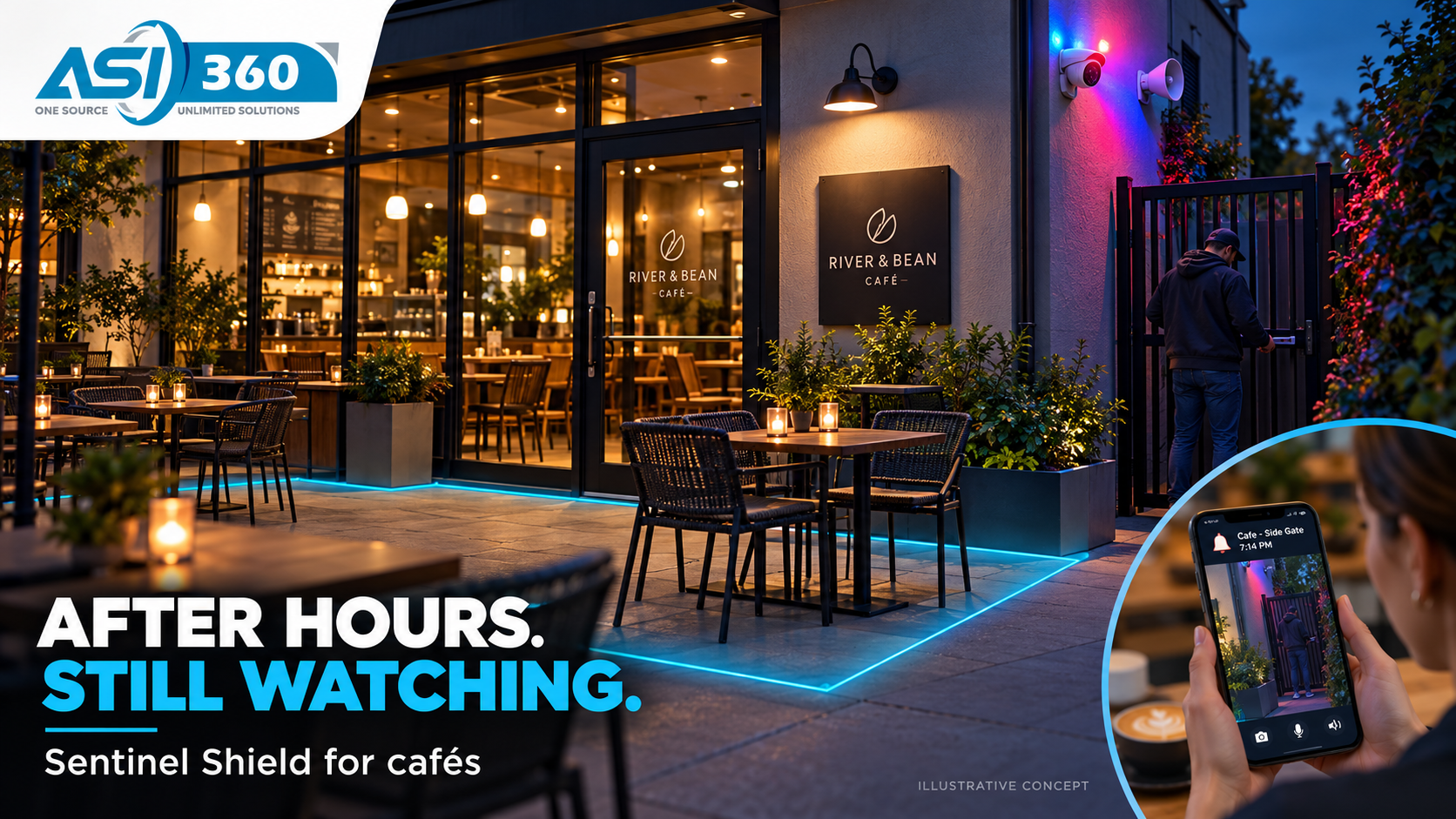
Place the first detection line away from the door: at the driveway, patio approach or service-alley boundary. Preserve space for a warning and response, with schedules for staff and deliveries.
Illustrative scenarios, not actual incident footage.
Configure this for my location →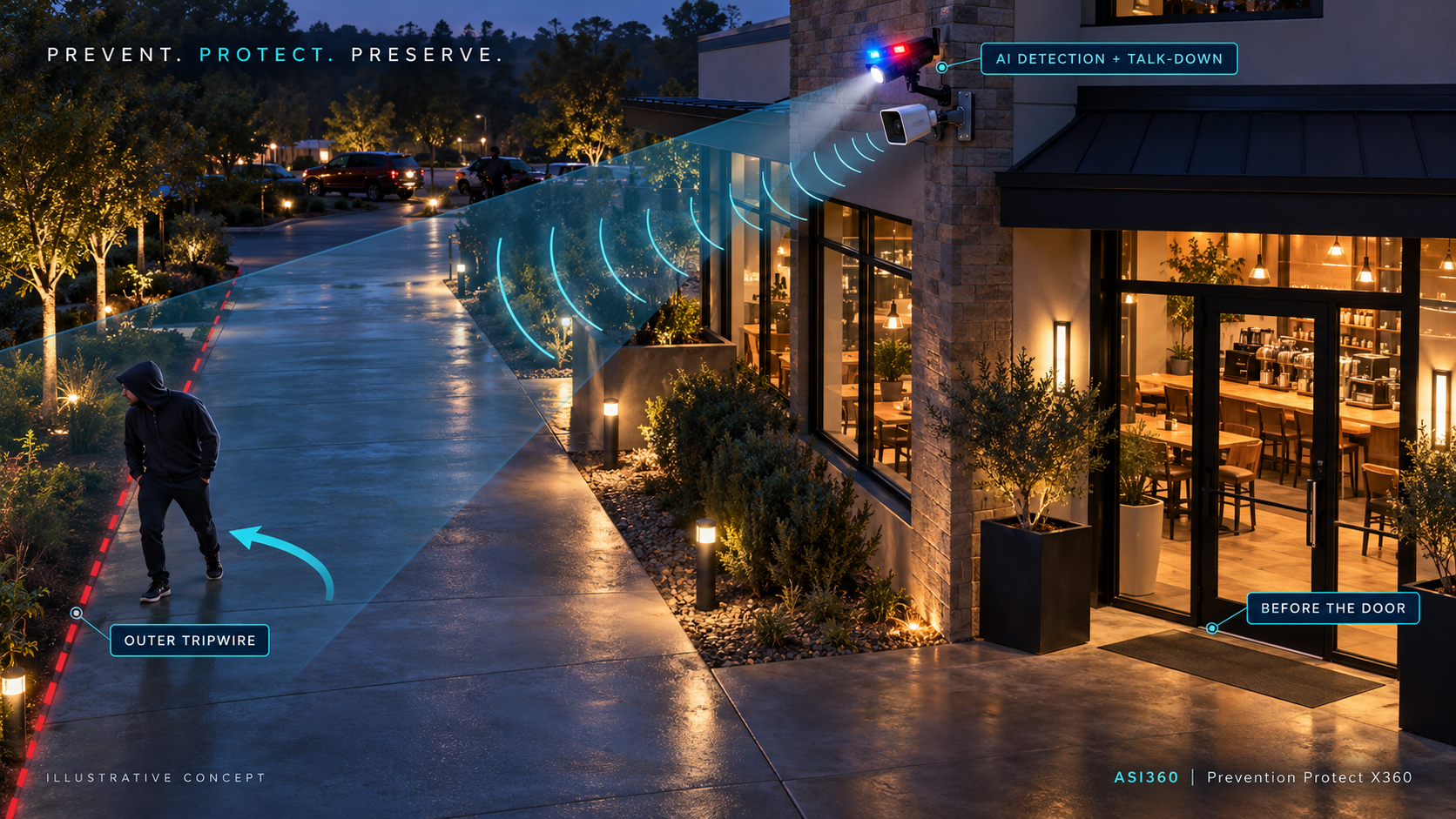
Illustrative layout, not to scale. The boundary must follow the property, authorized access and actual camera coverage. Setback and response timing are tested on site; deterrence is an objective, not a guaranteed outcome.
A supported camera detects a configured crossing at the outer approach, set back from the building entrance.
Lights and an approved message activate at that boundary, directing the person away before further approach.
An alert reaches the assigned person. Authorized live talk-down can add context when available.
Record the event, acknowledgment, actions and outcome for review and improvement.
Preset audio and live talk-down are separate capabilities. Human monitoring and emergency dispatch require a defined service arrangement.
Manufacturer-agnostic design. Compatible PoE devices use a segmented security network; power systems and workstation loads are sized separately. Hardware, installation, connectivity and monitoring are quoted by scope. Runtime depends on measured load, battery capacity, solar conditions and reserve.
| Business exposure | Planned response | What we verify |
|---|---|---|
| After-hours entrance or patio access | Scheduled zone detection, light and warning audio | Coverage, authorized access and nuisance events |
| Back door or delivery alley | Separate delivery schedules and escalation owner | Blind spots, speaker reach and acknowledgment |
| Internet outage | Local recording and supported preset actions | Functions that remain available without cloud access |
| Power outage | UPS, battery and optional solar replenishment | Actual device load and tested operating duration |
| Financial loss | Compare incident exposure with protection scope | Client records, repairs, downtime and uninsured costs |
Inventory is only part of it. Add repairs, cleanup and time closed to see your annual incident exposure.
Planning calculator only. This is not a predicted loss, insurance estimate or guaranteed saving.
Calculated locally in your browser. No information is submitted.
Bring exterior photos, an equipment list and your business hours. We’ll outline camera placement, speaker coverage, response options and outage readiness.
Already have cameras? Start with a compatibility review before replacing equipment.
Assessment scope and pricing confirmed before booking. Every proposal includes the equipment, installation responsibilities and acceptance checks.